A good project status report template fits on one page. It gives a RAG rating (red, amber, green) for scope, cost and schedule, the project manager's confidence in the outcome, the top risks, and the decisions the steering committee needs to make.
The template below is free to copy. The harder problem is keeping it current, because many status reports are rebuilt by hand from Jira every week and are out of date by the time anyone reads them. Tollgate's how it works page explains how the same report can come straight from the project record.
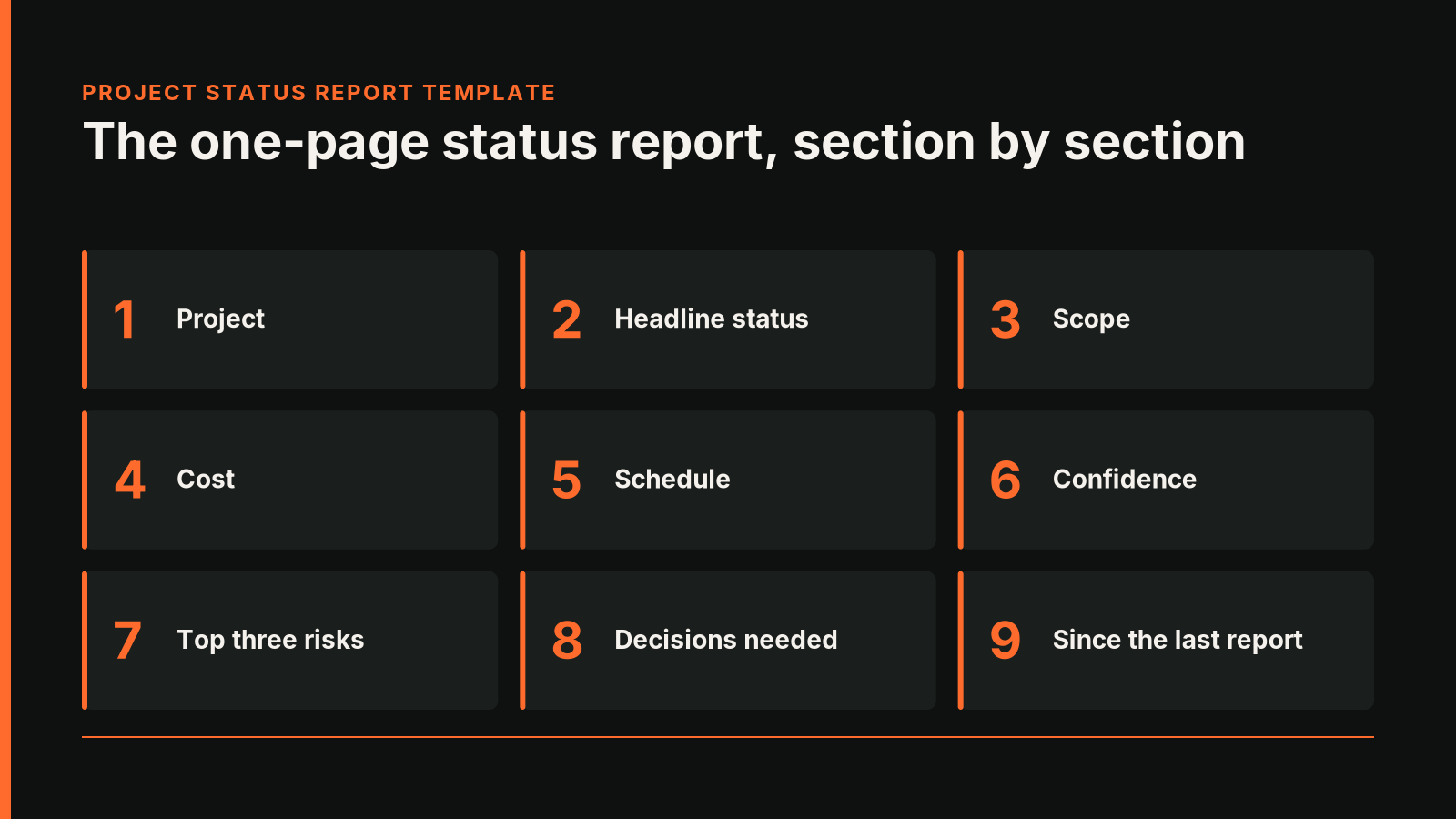
The one-page project status report template
Copy this table into a document or a Confluence page.
- Project: Name, sponsor, project manager, reporting date
- Headline status: Red, amber or green, with one sentence on why
- Scope: RAG, plus any change to what is in or out since the last report
- Cost: RAG, budget, forecast and actual to date
- Schedule: RAG, planned end date, forecast end date and the slip in days
- Confidence: The project manager's confidence that the project will deliver the outcome it was funded for, with a reason
- Top three risks: Each with its rating, owner and next action
- Decisions needed: What the steering committee must decide at this meeting, by when, and the options
- Since the last report: Two or three lines on what changed
How to fill in each section
Headline status
Write the rating you would defend in the room, and give the reason in one sentence. If your headline rating differs from the scope, cost and schedule ratings, say why. A project can be green on all three and still be heading for an outcome nobody wants.
Scope, cost and schedule
Base these ratings on numbers against an agreed baseline. For schedule, slip is the forecast end date minus the planned end date, in days. Agree the thresholds for amber and red with your sponsor once, and use them every time, so a rating means the same thing from month to month. Before baselines are agreed, mark these ratings as not yet rated.
Confidence
Confidence is a judgement. It answers the question the sponsor cares about most: will this still deliver what we funded it for?
Top risks and decisions needed
Limit risks to the three that matter most this period, with the owner and the next action. Put the decisions section last and make it specific. "Approve the revised budget by 30 November" is a decision, while "note progress" asks nothing of anyone.
Why weekly status rebuilds go stale
Many project managers build the status report by exporting data from Jira, pasting it into a template and writing the commentary. The numbers start ageing the moment they are copied.
Rebuilt reports also lose history. Last month's report is a separate file, so nobody can easily see that a risk has been amber for four months, or that the forecast end date has moved three times. Reviewers end up debating the accuracy of the numbers instead of the decision in front of them.
Generating the status report from Jira with Tollgate
Tollgate is a Forge app for Jira Cloud that builds the status view from the project's own registers. Scope, cost and schedule ratings derive from the work packages, baselines and change register. The project manager sets the headline status and confidence with a reason, because declaring them is a governance act. Where the project manager's status differs from the calculated one, the dashboard shows both.
For people outside the meeting, Tollgate exports the dashboard as a PDF in one click. The report is A4, laid out sideways, with two main pages. Page one shows the project brief and the status cards, each with the project manager's note and the last four weeks of status. Page two shows the earned value S-curve and the risk heat map with the top risks. Addenda list every work package and every open risk. Status always appears as a word and a symbol, so a black-and-white print reads the same as the screen, and a footer links back to the live project.
The PDF is a snapshot, which suits a record of what the committee saw. To present in the room, use the live dashboard. Tollgate's guide to stage gates in Jira covers the decisions those meetings make.
Frequently asked questions
How do I produce a steering committee report from Jira data?
Agree a one-page template, keep baselines for scope, cost and schedule, and generate the ratings from the Jira project instead of copying them. Tollgate builds the dashboard from the project's registers and exports it as a PDF.
How often should a project status report be produced?
Match the steering committee's cadence, often fortnightly or monthly. A weekly internal update can feed it, as long as nobody rebuilds the numbers by hand.
What is the difference between RAG status and confidence?
RAG status rates scope, cost and schedule against a baseline. Confidence is the project manager's judgement that the project will still deliver the outcome it was funded for.
Tollgate is free for up to 10 users. Install free for up to 10 users.
Want to talk through how this applies to your team? Book a call with Softwired.